Unilorin Portal Login for Students and Aspirants – How to Use Effectively
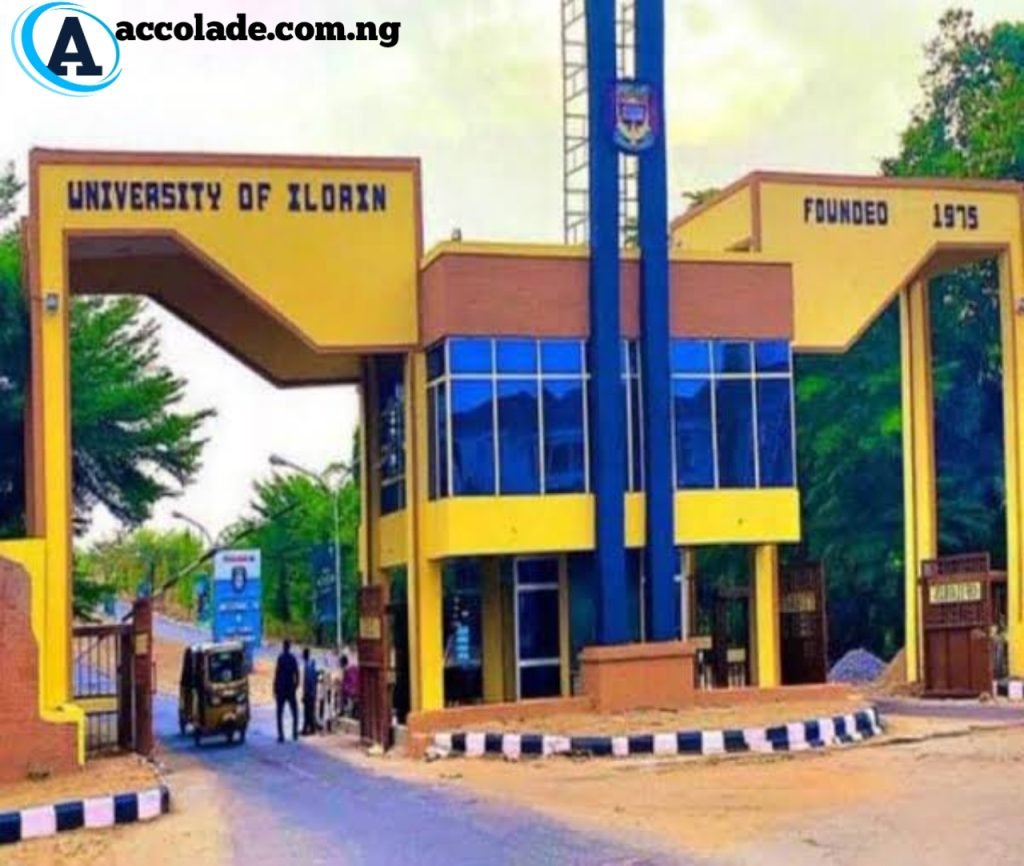
The University of Ilorin (Unilorin) remains one of Nigeria’s most prestigious federal universities, renowned for academic excellence, a stable academic calendar, and an efficient digital ecosystem. Among its top innovations is the Unilorin portal login system—a robust platform for both students and aspirants to manage academic, admission, and registration activities seamlessly.
Whether you’re a fresh aspirant trying to check your admission status or a returning student paying school fees, this comprehensive guide will walk you through everything you need to know about using the Unilorin portal login effectively.
The Unilorin portal is an official web platform provided by the University of Ilorin for academic-related activities. It serves as a centralized digital point for prospective and current students to carry out crucial functions including:
Follow the instructions to create an account or log in
Tip: Always use a strong password and never share your login credentials to protect your academic data.
Unilorin Portal Login
How Aspirants Can Use the Unilorin Portal Effectively
1. Post-UTME Registration
Immediately after JAMB results are released and Unilorin announces its screening exercise, aspirants are required to register on the portal. Here’s how:
Login to the portal using your JAMB Registration Number
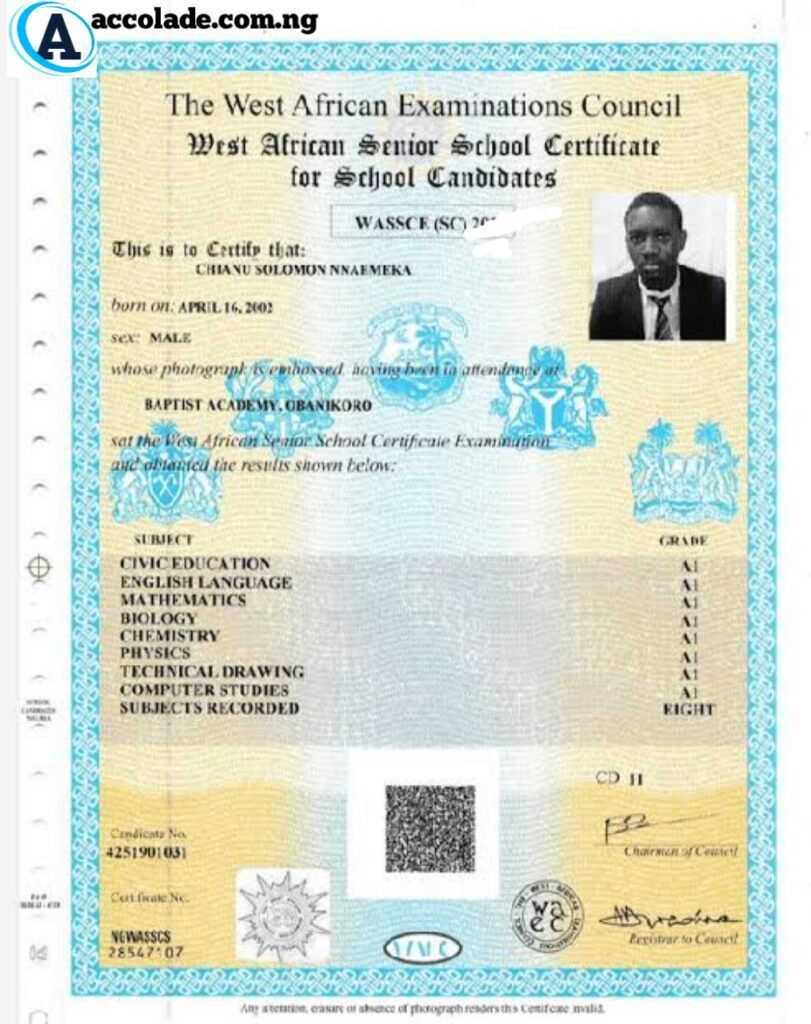
Upload your O’level results (WAEC, NECO, NABTEB)
Pay the Post-UTME fee via the Remita platform
Print your screening slip
2. Checking Admission Status
Once admissions start rolling out, candidates can check their admission status through the portal. Follow these steps:
Login to the portal using your screening credentials
Navigate to “Admission Status”
If offered admission, proceed to pay the acceptance fee
3. Acceptance Fee and Clearance
Upon receiving admission, aspirants are required to pay their acceptance fee to confirm their admission. The portal will guide you through:
Generating Remita Retrieval Reference (RRR)
Paying online or via bank
Downloading your admission letter and clearance documents
Here are common problems users face on the Unilorin portal and their solutions:
1. Forgot Password
Click on the “Forgot Password” link and follow the steps to reset your password using your registered email or phone number.
2. Payment Not Reflecting
Check if the payment was successful via Remita. If yes, try clicking “Requery” on the payment page. If it still doesn’t reflect, contact the ICT support team or visit the student affairs office.
3. Portal Not Loading
This could be due to heavy traffic or browser issues. Clear your browser history or try accessing it at off-peak hours (early morning or late evening).
4. Error Messages
If you encounter messages like “Invalid Login” or “Record Not Found,” verify your input credentials or contact Unilorin ICT support via their official email or phone number.
The Unilorin portal login is an indispensable tool for all students and aspirants of the University of Ilorin. By mastering its usage, you gain full control over your academic journey—from admission to graduation. Whether you’re registering for Post-UTME, checking your result, or applying for accommodation, everything you need is only a click away.
Always ensure you keep your login details confidential and check the portal regularly for important updates to avoid missing deadlines.